
Somewhere in your security settings sits a number that rarely gets discussed, and your people feel it every time it runs out. It is the trusted devices window, and it decides how often your system asks them to prove who they are before they can get on with their work.
That number deserves a deliberate decision, and the ceiling on it tells you more than the default does.
What are trusted devices, exactly?
A trusted device is one your system stops challenging for a set period. When an account uses emailed two-factor codes, the first sign-in on a given device asks for a code. For the next stretch of hours, that same device is not asked for a code again.
Two things follow. Your colleague gets a working day without interruption, which is the whole point. Meanwhile that device becomes the thing standing between a stranger and your records.
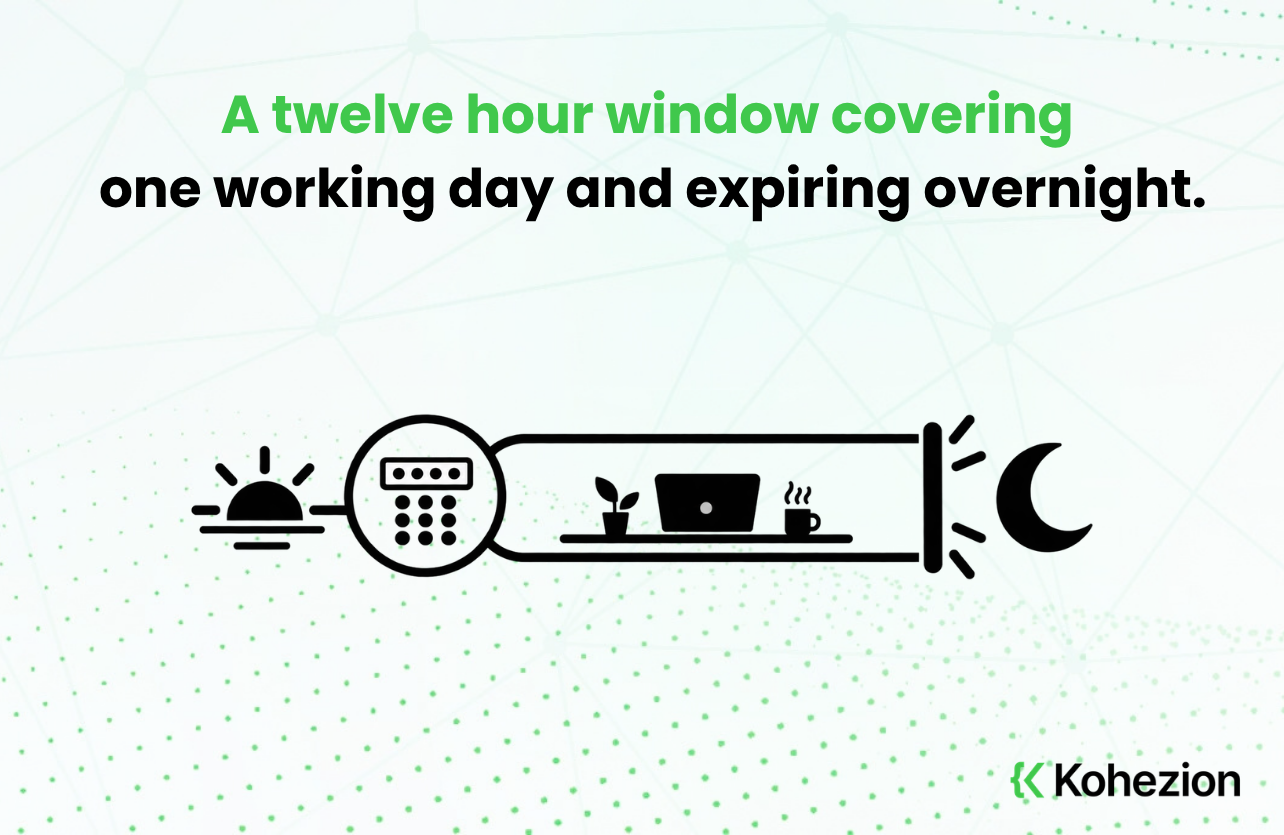
How long should trusted devices last?
Twelve hours is the starting point in Kohezion. The window is configurable from one hour to twenty-four, and twenty-four is a ceiling rather than a suggestion. Nobody can go past it.
Twelve maps neatly onto a working day. Someone signs in with a code at eight in the morning and is not asked again before they go home. If you want an outside reference point while you decide, the UK Information Commissioner's guide to data security is a useful general read on access controls.
Beyond that, three things shape the answer, and none of them is really a security question.
- How long a working day runs where you are. A window shorter than the shift interrupts people mid-task. A window longer than the shift keeps running after they have left the building.
- Who else touches the machine. A workstation in a shared lab is a different object from a laptop that goes home in somebody's bag. Each hour of trust means something different on each.
- How quickly your people move between machines. A shorter window means the machine is asked to prove itself again sooner, which is the whole of what this setting controls.
Those answers differ by organization, and often by team. So the right window is the one matching how your people work, rather than a figure borrowed from a template.
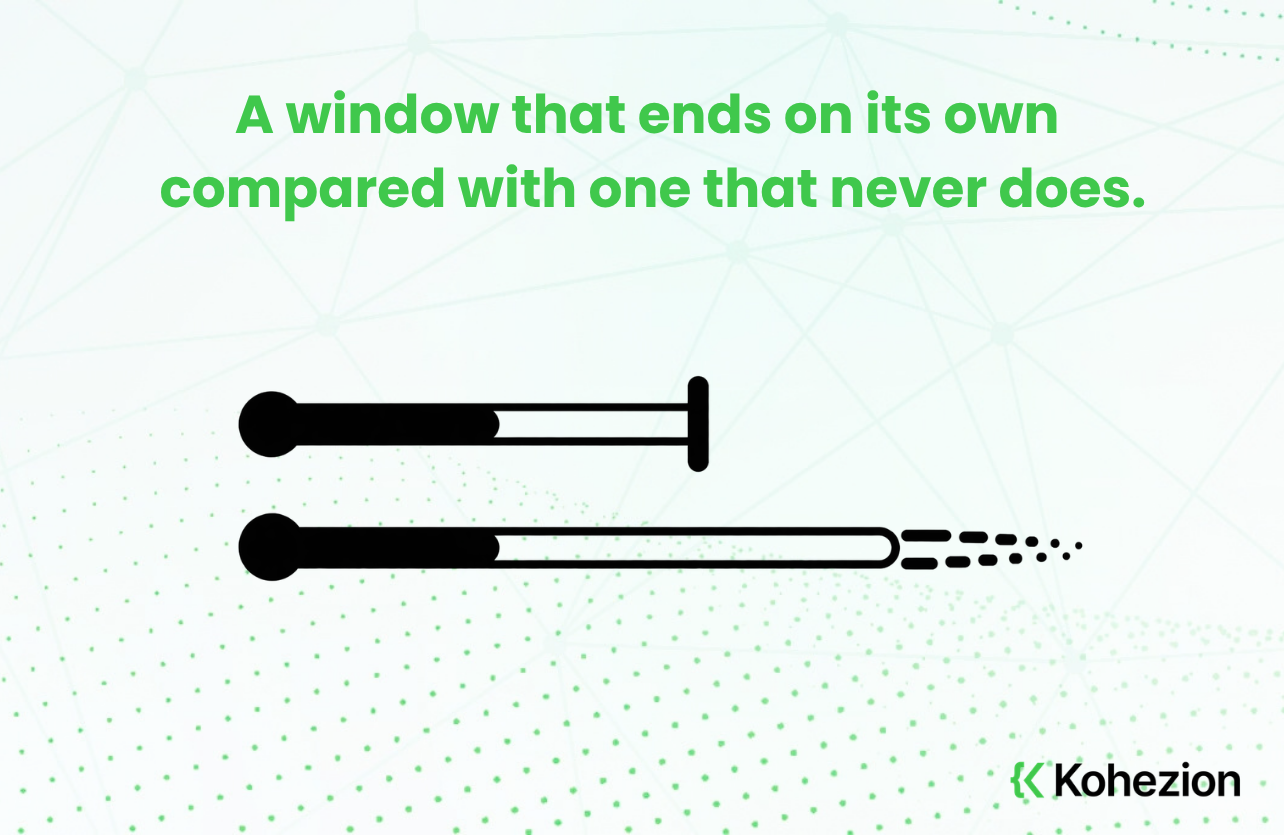
Why is there a limit at all?
Because trust granted without an end date quietly stops being a decision. A window measured in hours expires on its own while the person is still there to notice. The system keeps checking. A window measured in weeks expires long after everybody has forgotten granting it.
That is the argument for a ceiling, and in Kohezion twenty-four hours is where it sits. A convenience setting you can stretch to a month has stopped being a convenience setting. It has become a standing decision to stop asking, which everyone who comes after then inherits.
What is worth asking a vendor?
Ask for the maximum as well as the default. The default tells you where the setting starts. The maximum tells you how far it could go once it is somebody else's decision, and that second number describes your exposure.
Two more are worth asking while you have their attention.
- What the setting covers. Trusted devices in Kohezion apply when an account uses email two-factor, and we compare the methods in our guide to the two factor authentication options.
- What the sign-in record holds, including the method used. If somebody later needs to explain a particular sign-in, the explanation goes much better when the record already exists. Our piece on sign-in records covers what that record contains.
Convenience is a security setting
We tend to file convenience and security in separate columns, as though every unit of one is bought with a unit of the other. The trusted device window is where that framing falls apart.
Make it too short and you create pressure to work around it, which can cost you more than the friction you saved. Make it too long and you have extended every laptop in the building the same faith you extend the person carrying it.
So the useful question is not how secure we would like to be. It is how long to trust a device after somebody proved who they were, and that has a real answer inside your own working day. Our guide to user permissions covers the wider set of decisions this one sits inside. Our overview of research data management suits anyone running shared workstations. For a second opinion on where to set yours, talk to an expert.
