
Passkey sign-in is available on Kohezion Enterprise accounts, and it comes with one decision attached. Earlier in this series we argued that shared accounts end when signing in as yourself becomes easier than the workaround, so this is the other half of that argument. What is the easier thing, and what does it ask of the people using it every day?
That decision is which of the two available postures you want.
What is passkey sign-in?
Signing in with a device the person already has rather than a secret they type. Their own phone, or a security key they carry.
Passkey sign-in is built on the WebAuthn standard, so it is not a Kohezion invention. The WebAuthn specification is the technical reference, and the FIDO Alliance overview of passkeys is the plain-language one.
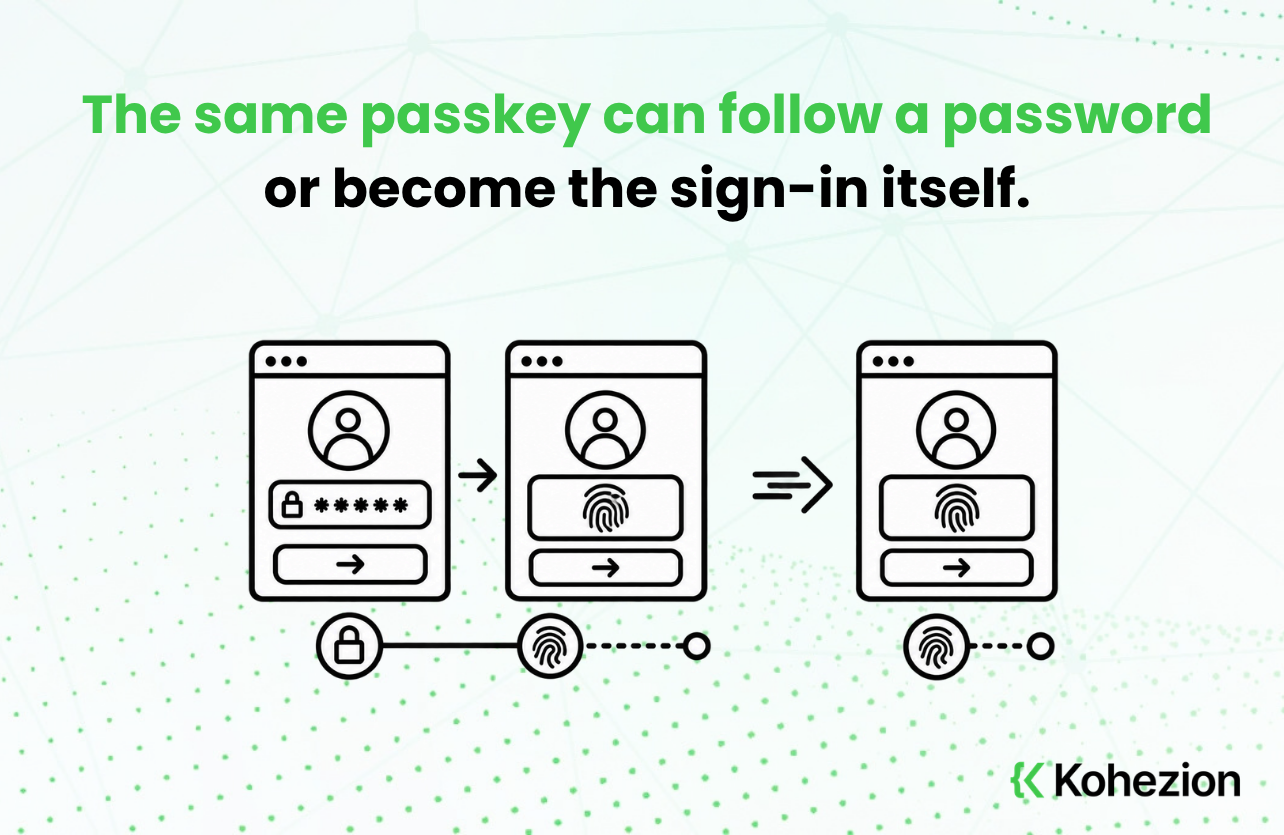
Second factor, or the whole sign-in?
Two postures are available per Enterprise account. A passkey can sit after the password as a stronger second factor, or it can take the password's place as the primary sign-in method.
Starting alongside the password leaves the familiar step where it is. Replacing it is the fuller change. Both are available per account, and the brief for either is the same two sentences, so there is not much to study before you choose.
| Posture on an Enterprise account | Alongside the password | Instead of the password |
| Signing in | Password, then the passkey | The passkey alone |
| What the password still does | Stays as the first step | Nothing at sign-in |
| Phishing resistance | By design, as a property of the factor | By design, and no password is typed at sign-in |
| What has to be in place | A passkey enrolled | A passkey enrolled |
Why is passkey sign-in harder to phish?
Because passkeys are phishing-resistant by design. That is a property of the factor itself rather than a claim about any particular platform.
Worth being clear about what that sentence is and is not. The claim describes the factor, and it is not a claim about our implementation of it, or about anybody else's.
What about people who cannot bring a phone to work?
They use a security key instead. On Enterprise accounts a security key is supported as a passkey device, and it works the same way a phone does.
That matters more than it sounds, because plenty of regulated environments keep personal devices at the door. A clean room, a plant floor, a secure ward. For the people working in them the question is settled by the same answer rather than by an exception.
Whichever device somebody enrols, each person enrols their own.
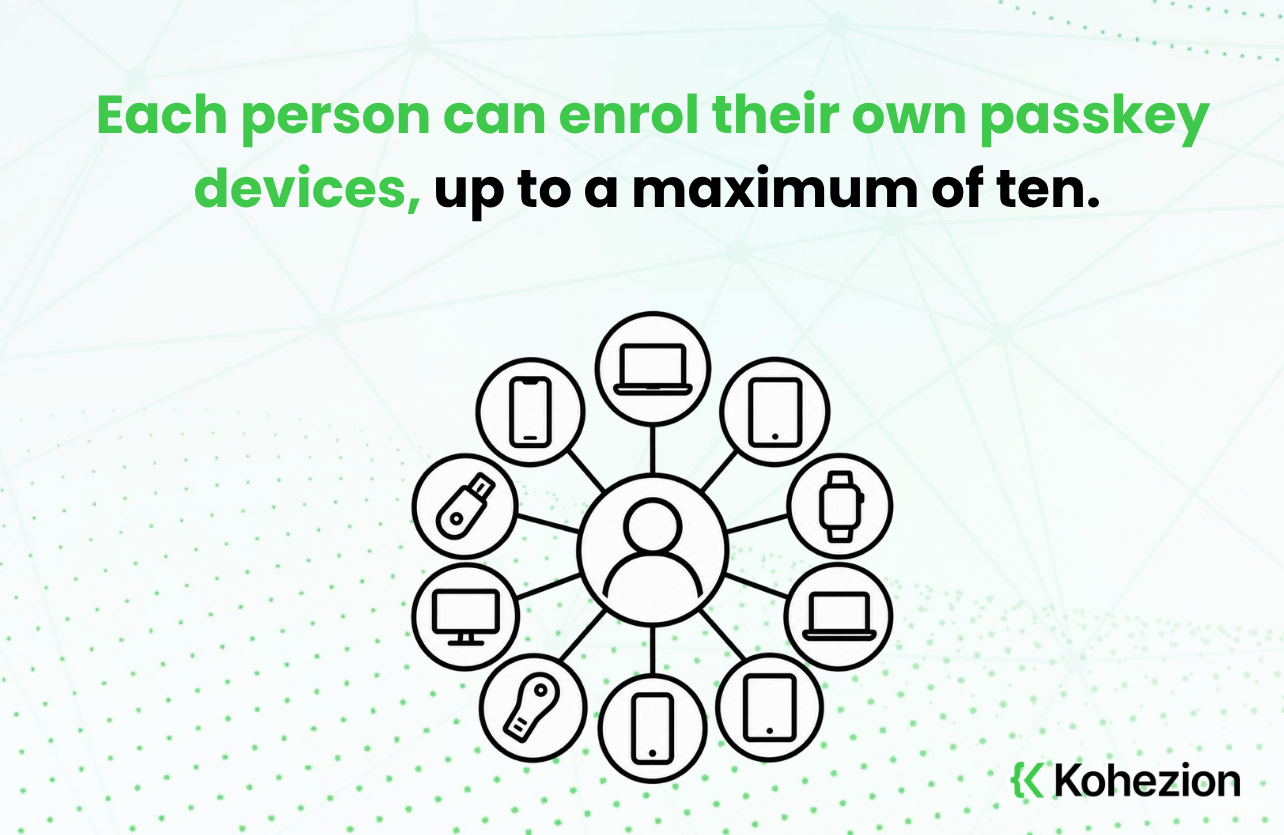
How many passkeys can each person enrol?
Up to ten, and each person enrols their own rather than having them assigned. That is the whole of the rule, which is worth knowing mainly because it is so short.
Two details sit alongside it. Passkey sign-in is built on the WebAuthn standard, so the devices your people already own are the devices in question. And a security key counts as one of the ten, which is what makes the locker case work.
The account keeps a record of enrolment activity, and it lands in the same place as the sign-ins themselves, which our piece on sign-in records covers.
Where does passkey sign-in fit in regulated work?
In the same place the rest of this series has been pointing. Each person enrols their own devices, so the credential belongs to one named individual rather than to a desk or a team. That is the case we made about shared logins, reached from the other direction.
One thing to know before you plan. Passkeys are not available on Enterprise accounts that use single sign on, so the two are a choice rather than a combination. So the two are a decision, not a combination to configure.
We compare the neighbouring methods in our guide to two factor authentication options. The broader framework is in our guide to user permissions, and for the sector view see our overview of compliance and database practice. To work out which posture suits your organization, talk to an expert.
