
Mandatory MFA enrollment can be made to apply to every user on an account, and it is available as a paid option, configured with our team. Deciding it is the easy half. Getting everyone enrolled without a difficult week for your help desk is the part that needs planning, and it gets far less attention.
The good news is that the difficulty is almost entirely about timing rather than technology.
What is mandatory MFA enrollment?
Mandatory MFA enrollment is a policy requiring every person on an account to set up a second sign-in factor. Anyone who has not enrolled by the deadline then meets the enrolment screen before they can work. In Kohezion it is available as a paid option, configured with our team. It is enabled with our team during setup, and your administrator controls the timing from there.
It is worth keeping the mandate separate from the methods themselves. The methods answer how somebody proves who they are, while the mandate answers whether they get a choice about it. We set the three side by side in our guide to two factor authentication options.
Why does the grace period matter more than the mandate?
Because a mandate that starts immediately is technically correct and operationally rough. Everyone still unenrolled meets the screen at the same moment, whenever that moment falls, and your help desk hears about it first.
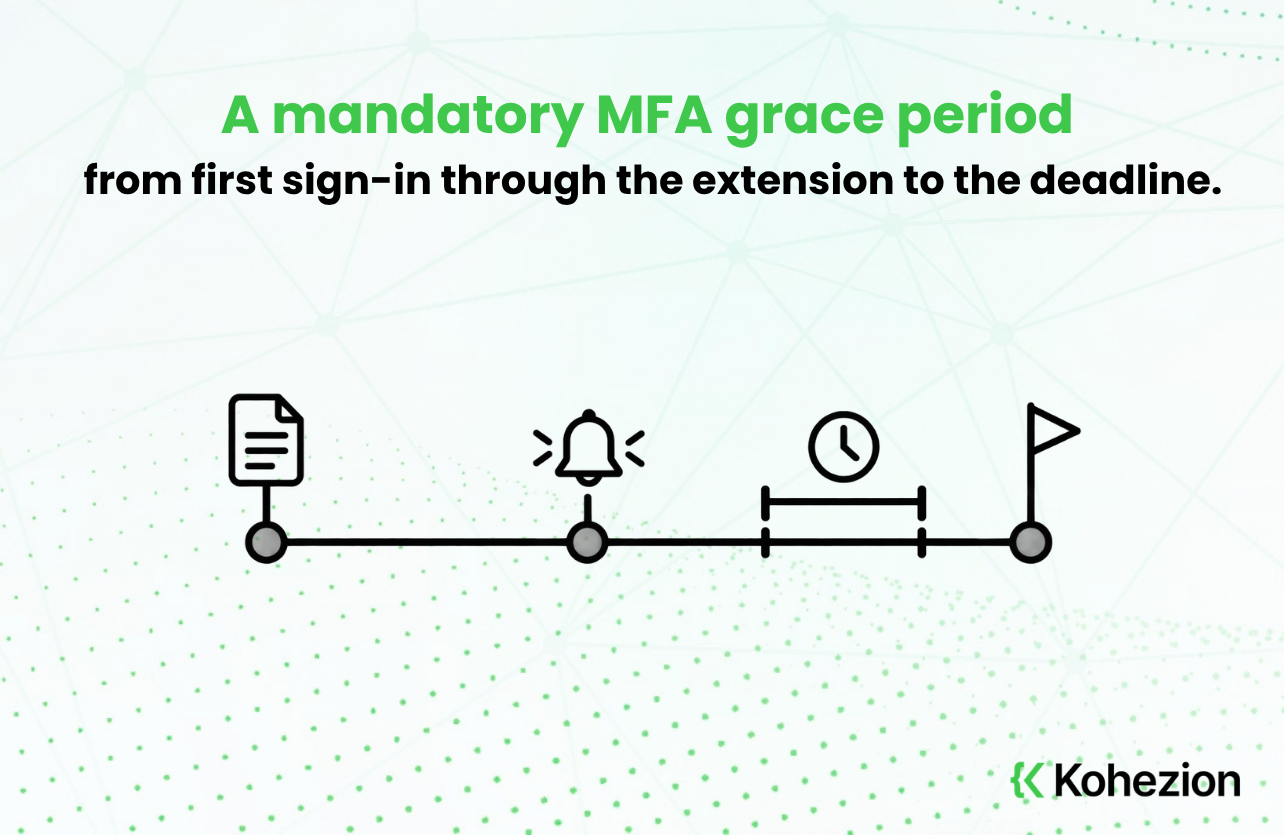
The grace period turns that into something manageable. It runs from immediate up to thirty days, and during the window people who have not enrolled carry on working until the deadline arrives.
Thirty days sounds generous until you count who is away. Someone on parental leave. A quality manager mid-campaign. A contractor who signs in twice a month. Each needs a window long enough that their first encounter is not an emergency.
What should you plan for during the mandatory MFA enrollment window?
Two things: the people who will not see the prompt for weeks, and the people who cannot act on it when they do. Both are predictable, so both can be handled before the window opens.
Keep cover at the start of the window and again before the deadline, since those are the two points at which people meet the prompt. A reminder before the final week is worth more than several earlier ones.
Then plan for the people who genuinely cannot enrol on the day. A phone in for repair. A new starter still waiting on equipment. Someone whose site keeps personal devices at the door. Each person can have one seventy-two hour extension. It is one extension per person, so an exception route does not quietly become the normal route.
Keep your own note of the reason each time one is used. Extension activity is recorded in the account, and your note is what makes that record explainable months later.
Can you phase your staff and your partners separately?
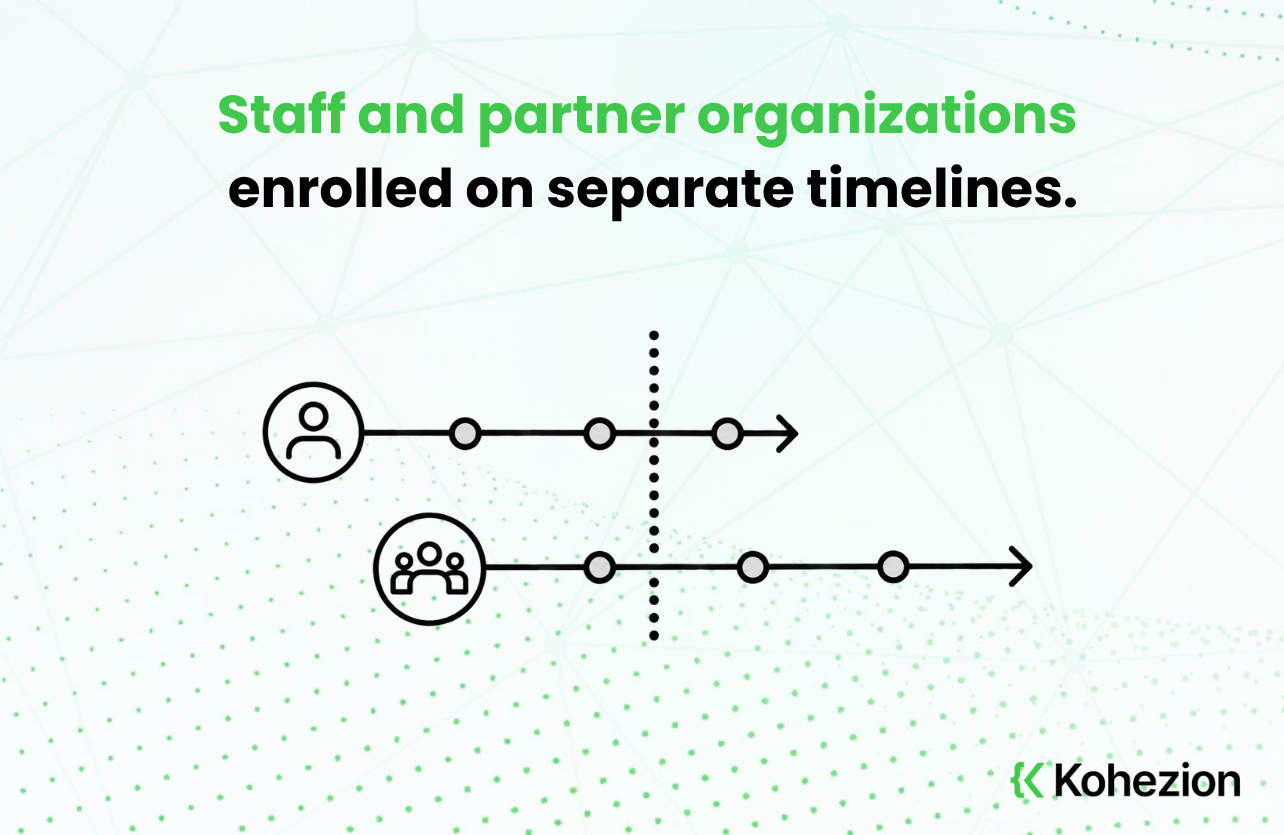
Yes, and in regulated work that often decides whether a rollout happens at all. A separate switch governs external users, meaning the people from partner organizations who reach your data.
That separation works in both directions. You can require enrolment across your own people without touching a testing laboratory mid-study. Or you can start with the external parties, since those accounts sit on devices you do not manage.
For a contract manufacturer working with several sponsors, that independence is often what makes the sequencing workable.
What happens to someone who misses the deadline?
They can still sign in. What they cannot do is anything else, because they land on the enrolment screen and stay there until they finish.
That is gentler than it sounds and it is the right shape. A hard block produces a support ticket and a person who cannot help themselves. Landing on the enrolment screen lets the person finish it themselves, without anybody else being involved.
It also means the transition clears itself. Nobody has to chase the last few individually, because the system does that one sign-in at a time.
Mandatory MFA enrollment lands or it does not.
Whether you switched it on is not the measure. A full window and a clear note beforehand give people the chance to enrol before the deadline forces the issue. That is a cheaper sequence than insisting afterwards.
One step worth adding at the end. Check the sign-in record once the window closes, since enrolment events land there. That is your simplest evidence that mandatory MFA enrollment actually took effect rather than merely being configured. Both EMA good manufacturing practice and EPA CROMERR are worth reading alongside this if you are documenting the rollout.
Our piece on sign-in records covers what that record holds. The wider model sits in our guide to user permissions. For where records live once people are in, see our overview of document management in regulated industries. To plan a rollout for your own organization, talk to an expert.
